How it works
Three things to set up, then X Mailer does the sending. Here is the whole of it.
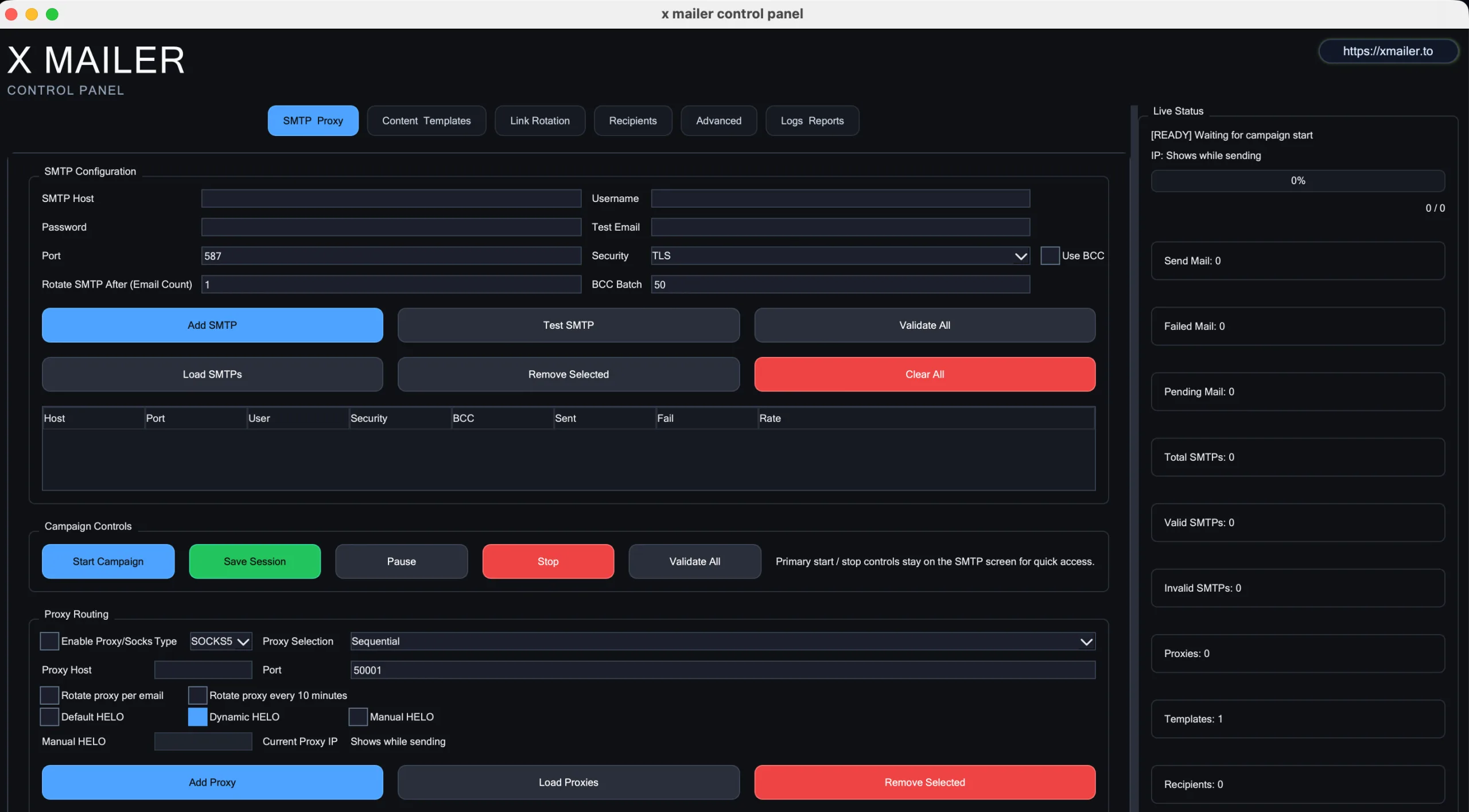
Add your email accounts
Use as many as you like. X Mailer takes turns between them so no single account does all the work.
Upload your list, write once
Drop in a spreadsheet. Use each person's name in the message. Bad and duplicate addresses are removed for you.
Press start, watch it go
See every email as it's delivered. Pause any time. If your computer restarts, pick up where you left off.
What else it does for you
Take turns between your accounts
Add as many email accounts as you like, check each one works, and decide how many messages each sends before the next takes over.
Write it once, see it before it goes
Write in plain text or with formatting, drop in each person’s details, attach files, and preview exactly what one person will receive.
A list that cleans itself
Bring a spreadsheet, point at the columns that matter, and bad or repeated addresses come out. Send a test to yourself first.
Stop and start whenever you like
Set it to begin later, pause halfway, and if the computer restarts you can pick the run back up where it stopped.